
Webhooks + Messages API
Your workflow.
Now on WhatsApp.
Get WhatsApp messages in n8n, Make, Zapier, or your app. Reply with one API call.
Free to start. No card or Meta setup to test. Usage charges apply.
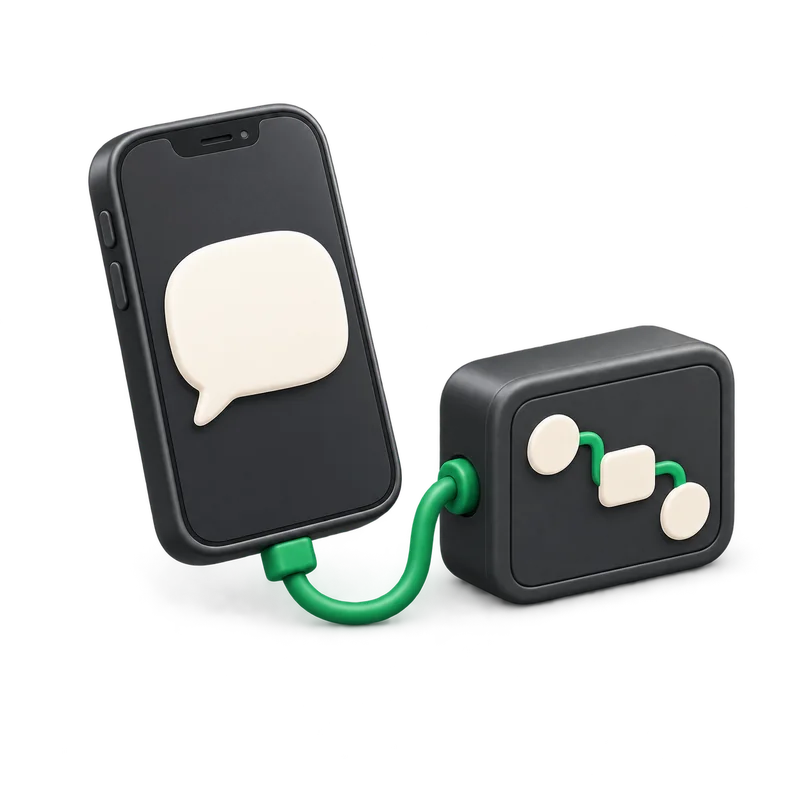
How it works
Three steps to your first reply.
Get the message
Add your webhook URL. Wabery sends every WhatsApp message to it.
message.receivedRun your logic
Use your own workflow, tools, and AI model.
your workflowSend the reply
Call our API. Test it from your phone in the Sandbox.
POST /v1/messages
n8n
Uses the n8n nodes you know.
Webhook in. Your logic. HTTP Request out.
- WebhookGets the message
- Your logic or AIWrites the reply
- HTTP RequestSends it back
{
  "event": "message.received",
  "payload": {
    "channel_id": "channel_...",
    "conversation_id": "conv_...",
    "text": "Is my order ready?"
  }
}
Shortened. In n8n, look under body.payload.
POST https://api.wabery.com/v1/messages
Authorization: Bearer <your-project-api-key>
Content-Type: application/json

{
  "channel_id": "channel_...",
  "conversation_id": "conv_...",
  "text": "Your order is ready for collection."
}
Reuse the IDs from the event.
Use the production URL.
Publish the workflow and set the Webhook node to respond right away.
Check signatures and retries.
Verify each event with your signing secret. Don't reply twice to a retry.
You own the logic. We handle WhatsApp.
You keep
- Your workflow
- Your AI model and keys
- Every reply
Wabery handles
- Signed events
- Logs and retries
- API keys
- A test Sandbox
Turn on external routing for your project and channel. Our hosted agent stays off.
- Wabery
- Your plan and usage.
- n8n or your host
- Billed by them.
- Your AI provider
- Billed by them.
- Meta
- Bills messages on your own numbers.
- Shared Sandbox
- Has its own credit rules.
Test it on your phone.
Send a WhatsApp message and see your workflow reply.