
WhatsApp AI for Barbershops: Build the Booking Flow Yourself in an Afternoon
A client messages at 10pm asking if you can fit him in Saturday. Nobody replies. He walks into the shop next door. Here's how to build a WhatsApp flow that catches him, using the messaging API instead of a packaged tool.
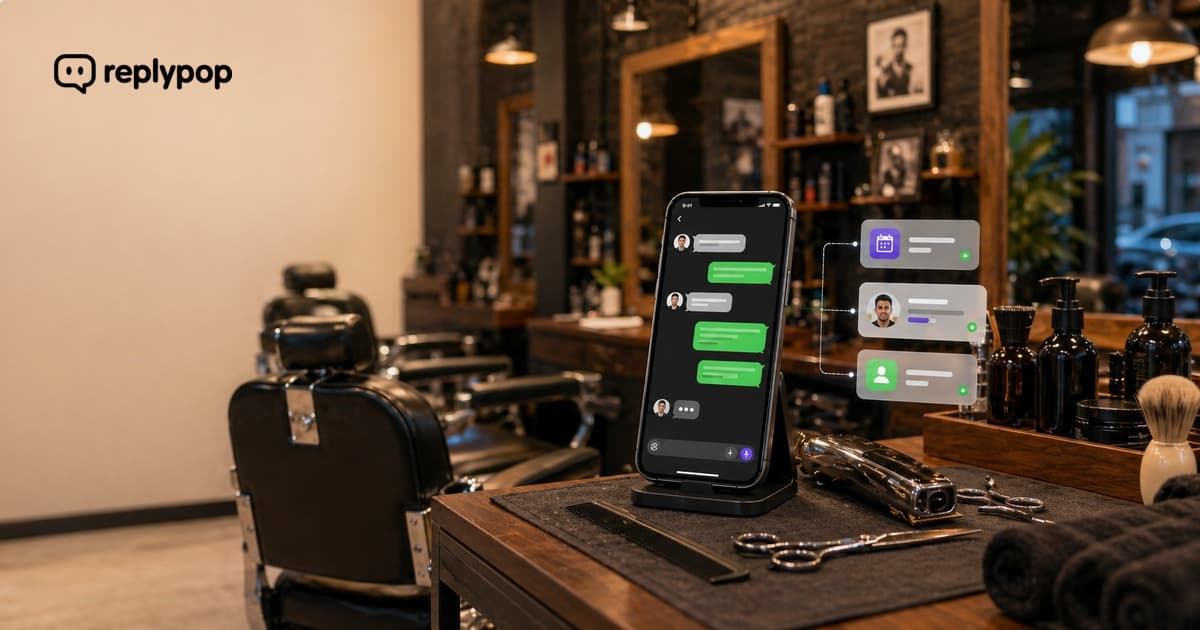
It's 10pm on a Thursday. A guy messages a barbershop's WhatsApp: "Hey, any chance I can get a fade Saturday around noon?"
Nobody replies. The owner is at home. The barbers are off. The message sits there.
Friday morning, he messages the shop two blocks away. They reply in 30 seconds. He goes there.
This happens more than most shops think. Not once a week, more like 3-5 times. And the worst part is nobody ever knows about the ones who didn't bother messaging twice.
If you build software for barbershops, or you're a technical owner who'd rather wire up your own solution than rent a closed product, this is a problem you can solve yourself. Wabery is the messaging API you build it on: a unified channels API for WhatsApp, Instagram, and Messenger, with signed event webhooks, native WhatsApp Flows (in-chat forms), automations, a CLI, and an MCP server. You build the experience; Wabery is the reliable plumbing to WhatsApp.
Why a Closed Product Doesn't Fit
Plenty of vendors sell barbershops a finished "WhatsApp bot." The trouble is you're stuck with their logic, their menu, their idea of what a booking flow looks like. Barbershops don't all work the same way: different services, different barbers, different booking tools (Booksy, Square, Google Calendar, a paper book).
When you build on an API instead, you own every decision. You decide what the AI asks, what data you collect, where the lead lands, and which booking tool it feeds. That's the difference between renting and building.
What You Can Build, Step by Step
Here's a concrete shape for a barbershop flow you'd build on Wabery. None of this is a packaged feature you toggle on, it's a few webhook handlers and a Flow you define.
1. Catch every inbound message instantly
Wabery sends a signed webhook the moment a message arrives. Your handler can fire an auto-reply right away so the client never hits silence, even at 10pm:
app.post("/webhooks/wabery", verifySignature, async (req, res) => {
  const { type, contactId, text } = req.body;
  if (type === "message.received") {
    // Hand the message to your own logic / LLM
    const reply = await handleBarbershopMessage({ contactId, text });
    await wabery.messages.send(contactId, reply);
  }
  res.sendStatus(200);
});
2. Let your own AI read the message
Forget a rigid menu that makes clients press 1 for haircuts and 2 for beards. You connect whatever model you like, Wabery's MCP server gives it access to the conversation, and it reads messages like a person:
Client: "How much for a fade?"
Your AI: "A skin fade is $30, mid fade is $28, taper fade is $25. Want me to grab a few details and flag you for the next open slot?"
Real prices, pulled from your own data. Not "check our website."
3. Collect booking details with a WhatsApp Flow
Instead of free-typing back and forth, fire a native WhatsApp Flow, an in-chat form, to capture exactly the fields you need: service, preferred barber, day, time, phone. The structured answers come back to you in a signed webhook:
app.post("/webhooks/wabery/flow-complete", verifySignature, async (req, res) => {
  const { contactId, answers } = req.body;
  // answers = { service: "mid fade", barber: "Devon", day: "Sat", time: "10am", phone: "555-0123" }
  await yourBookingTool.createLead({ contactId, ...answers });
  res.sendStatus(200);
});
Now you have clean, structured data, and you decide where it goes: your CRM, Booksy, a Google Sheet, a Slack ping to the barber, whatever you build.
A Full Conversation You Can Build
Here's how a flow you build might play out:
Client: "Yo, looking to get a lineup and beard trim this weekend. Marcus still there?"
AI: "Marcus is here all weekend. A lineup and beard trim together is $40. What day and rough time, Saturday or Sunday? And what's the best number to reach you so Marcus can lock it in?"
Client: "Saturday around 2, my number is 555-0123"
AI: "Got it. Lineup and beard trim, Saturday around 2 with Marcus. I'll pass this to him and he'll confirm the exact slot. See you this weekend."
Your code captured service, day, phone, and named barber. That structured lead lands wherever you sent it. When Marcus finishes his current client, he opens his booking tool, drops in the slot, and confirms with one text.
Now compare that to a closed chatbot:
Client: "Yo, looking to get a lineup and beard trim this weekend. Marcus still there?"
Chatbot: "Welcome! Please select a service:
- Haircut
- Beard Trim
- Haircut + Beard
- Kids Cut
- Other"
Client: "3"
Chatbot: "Great! Please visit our booking page to schedule: www.example.com/book"
The client wanted a specific barber. The chatbot made him navigate a menu and bounced him to a website. When you build it yourself, you skip all of that.
The 10 PM Problem
Here's when barbershop clients actually message:
| Time | % of Messages | Staff Available? |
|---|---|---|
| 8 AM - 12 PM | 20% | Yes |
| 12 PM - 5 PM | 25% | Yes (but cutting) |
| 5 PM - 9 PM | 30% | Partially |
| 9 PM - 8 AM | 25% | No |
More than half the messages come when barbers are either actively cutting or completely off. With an auto-reply wired to the message.received webhook, the conversation keeps moving even when the shop is dark:
Client (9:47 PM): "Need a fresh cut for Saturday. What's the deal with morning slots?"
AI (9:47 PM): "Saturday morning we've got Devon and Jay in from 9 AM. Want me to grab your details and pencil you in with either one?"
Client (9:48 PM): "Mid fade with Devon, 555-0123, around 10"
AI (9:49 PM): "Perfect. Mid fade with Devon, Saturday around 10. I'll pass it to him to confirm the exact slot. See you this weekend."
Lead captured at 9:49 PM, sitting in whatever system you built when the shop opens Friday.
Build-It-Yourself vs. Closed Chatbot
| Closed chatbot | Build it on Wabery | |
|---|---|---|
| Understands "Yo, can Marcus fit me in Saturday?" | No | Yes (your own AI) |
| Captures name, service, barber, phone | Rigid form | Your WhatsApp Flow, your fields |
| Where the lead lands | Their system | Your CRM / booking tool / Sheet |
| Lets you change the logic | No | Yes, it's your code |
| Works on WhatsApp + IG + Messenger | Sometimes | Yes, one API |
A closed chatbot says "visit our booking page." The flow you build says "mid fade with Devon Saturday around 10, what's your number?"
What It Costs
Wabery is the API; you build on top.
Free plan: $0/month with 5 monthly credits. Enough to build and test a real flow on live inbound conversations. No credit card.
Pro plan: $29/month. Full API access with a larger monthly pool of conversations, for shops (or the developers building for them) running this in production.
| Plan | Price | Best For |
|---|---|---|
| Free | $0/mo | Building and validating a flow |
| Pro | $29/mo | Running it in production |
Every plan works on WhatsApp, Instagram DMs, and Messenger through one API.
What You Don't Have to Build
You don't replace your booking tool. Whether the shop uses Booksy, Square, Google Calendar, or pen and paper, the flow you build sits in front of it, handling the first conversation and capturing the details. The booking tool stays exactly where it is; your webhook just feeds it.
You also don't have to handle every edge case in code. When someone sends a complaint or an unusual request ("I want to talk about becoming a barber here"), you route it to a human, your logic decides when to hand off.
Getting Started
No closed product to migrate to. No contracts.
- Connect a WhatsApp Business number to Wabery (5 minutes)
- Point a webhook at your handler and define your WhatsApp Flow
- Ship it, the API starts delivering events immediately
Clients keep messaging the same number. They just start getting instant, useful replies from the flow you built.
Related reads:
- WhatsApp AI Assistant for Free in 2026, everything the free plan includes
- Set Up a WhatsApp AI Agent in 10 Minutes, step-by-step walkthrough
Questions or feedback? Reach out anytime